CORE permit workflow

Busking permits in Aero Ranger CORE.

Busking permits need dates, performance areas, applicant details, conditions and public-space evidence available to both administration and field teams.

AccountHolder, property, organisation and subject details stay linked.
ConditionsZones, dates, documents and operating rules remain visible.
HistorySubmissions, approvals, edits and field checks stay in sequence.
Busking setup in a public square with performance space context
Performance setup and approved public-space area

Example CORE permit record.

This mock City of Utopia record follows the same operating idea as the case examples: the permit, evidence, documents, status, history and next action are visible before staff decide what happens next.

City of Utopia Permits All Permits Trial - 20 days
Permits / View Permit

Busking Permit Active

AccountAlex Morgan
ActivityAcoustic performance
PropertyCivic Square pitch B
Organisation-
CategoryPublic Performance Permit
JurisdictionCity of Utopia
ZonesCivic Square, mall pitch B, noise-sensitive frontage
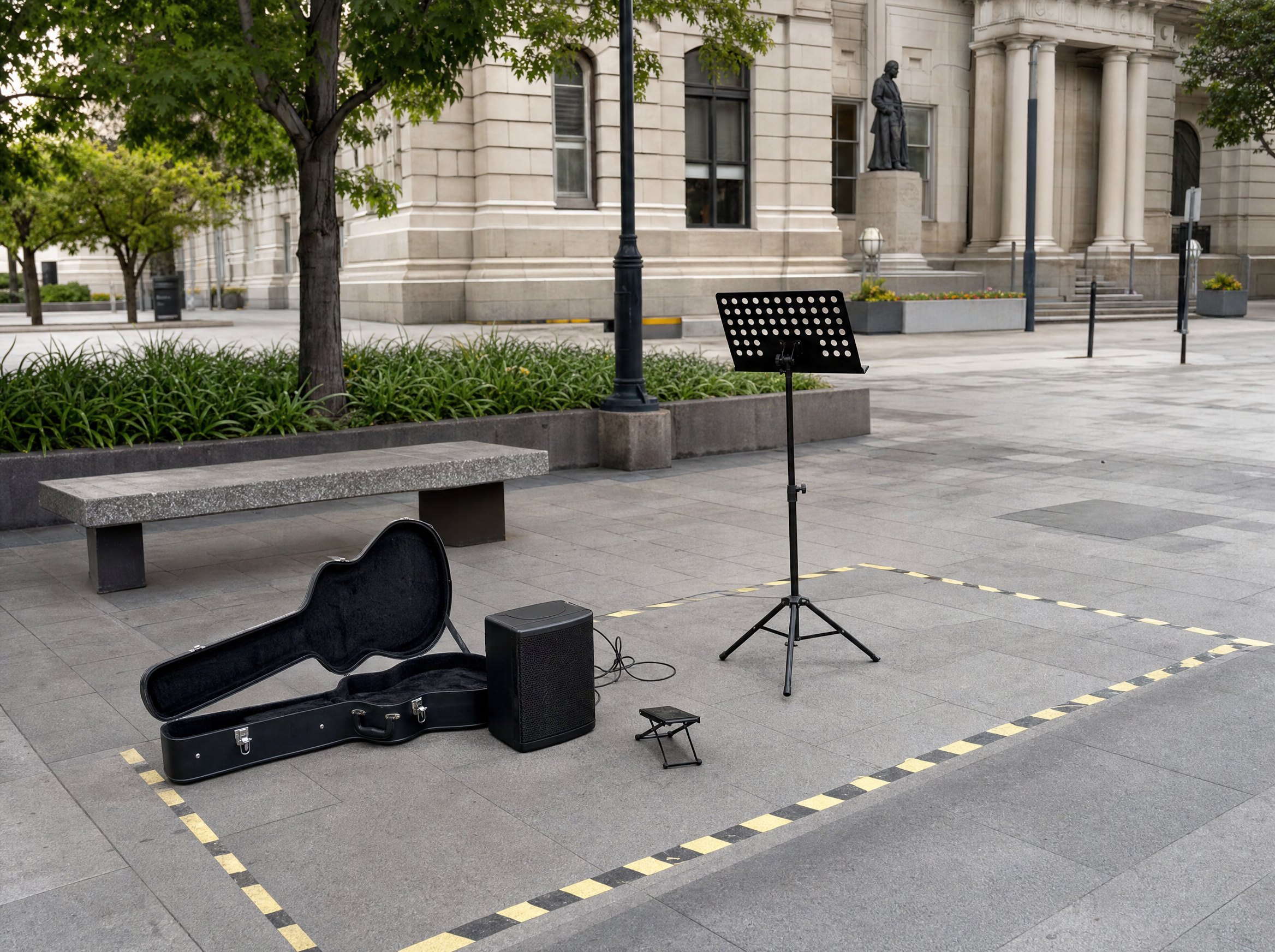
Busking setup in a public square with performance space context
Performance setup and approved public-space area
Approval28 June 2026
Activation05 July 2026
Expiry04 October 2026
Duration3 months
Supporting documents
  • Applicant IDAttached
  • Public-space conditionsAttached
  • Amplification noteAttached
  • DH
    Conditions updatedCity of Utopia - 10 July 2026, 11:08
    Out
  • JT
    Pitch assignedCity of Utopia - 10 July 2026, 12:08
    Out
  • DH
    Permit approvedCity of Utopia - 10 July 2026, 13:08
    Out
  • JT
    Application submittedCity of Utopia - 10 July 2026, 14:08
    Out
Next actions
  • View conditions
  • Change pitch
  • Record field check

A practical permit workflow.

Busking Permits should be managed as an operational record, not just a PDF approval. CORE keeps the intake, checks, evidence, conditions and review history together so administration and field teams can work from the same information.

  1. Application
  2. Applicant check
  3. Pitch assignment
  4. Condition approval
  5. Permit active
  6. Field check
  7. Renewal
  • Approved performance areas and dates can be visible to field teams.
  • Conditions such as amplification, times and pitch boundaries stay on the permit.
  • Customer service can see the same record if a complaint or query arrives.

Other permit workflows.

Each permit category can have different fields, dates, documents and review steps while keeping the same account, evidence and history model.