Illegal camping workflows without blind spots after dark.
Aero Ranger helps ranger and compliance teams detect repeat overnight stays, measure dwell time, capture evidence, open cases and manage follow-up across beaches, dunes, reserves, fire-breaks and roadside areas.
Turn overnight activity into a reviewable workflow.Combine ANPR sightings, dwell thresholds, GPS evidence, inspections and case follow-up in one operating model.
12h+Camping dwell thresholds can trigger review alerts
7 daysLook-back windows support repeat-stay analysis
ANPRMobile, fixed or camera-integrated vehicle capture
CasesEvidence, inspections, notices and audit history
The issue is not just camping. It is documenting what happened, where, and for how long.
Illegal camping enforcement often crosses ranger patrols, parking rules, local laws, environment protection, public safety and customer service. The workflow needs to hold that context together.
Sparse coverage
Beaches, reserves, fire-breaks and roadside locations are often spread across large areas. Manual patrols can miss overnight activity or arrive after vehicles have moved on.
Evidence gaps
A single observation rarely establishes dwell time on its own. Teams need timestamped sightings, GPS context, zone rules and a clear history that can be reviewed later.
Fragile locations
Unauthorised camping can affect dunes, wetlands, reserves, access tracks and public safety. The operating model needs early detection without adding unnecessary patrol kilometres.
Follow-up load
Warnings, move-on notices, infringements, referrals and reviews are hard to manage when the process lives in inboxes, spreadsheets or officer memory.
What the workflow needs to keep together.
The useful question is not which feature exists. It is whether the team can see the place, rule, evidence, exception, next action and review history before making a decision.
Dwell-based alert rules
Configure camping categories, restricted zones, vehicle types, look-back windows and dwell thresholds so long stays can create review alerts under the organisation's rules.
Alert categories, rule builder, in-vehicle delivery and dashboard review.
Vehicle movement history
Every patrol pass can add a timestamped, GPS-located vehicle record, helping teams see repeat activity across remote car parks, foreshore areas and reserves.
Plate reads, zone context, vehicle replay and exportable histories.
Camping case flows
Open matters into a repeatable process for inspection, monitoring, move-on action, infringement review, closure, appeal or external referral.
Case stages, task templates, inspection outcomes and status automation.
Evidence and privacy controls
Review evidence in context, preserve originals and prepare export copies with appropriate redaction for internal review or enforcement partners.
Evidence packages, audit trail, document templates and export controls.
Local-law register connection
Link notices, penalties, statutory timing and legal references to the council's configured local-law records rather than retyping them case by case.
Local laws, enforcement templates, document builder and timing fields.
Operational intelligence
Use zone and vehicle reporting to find repeat locations, seasonal patterns, officer workload and areas where signage or patrol strategy may need attention.
Intel dashboards, zone analysis, vehicle replay and exports.
See the place, then see the record.
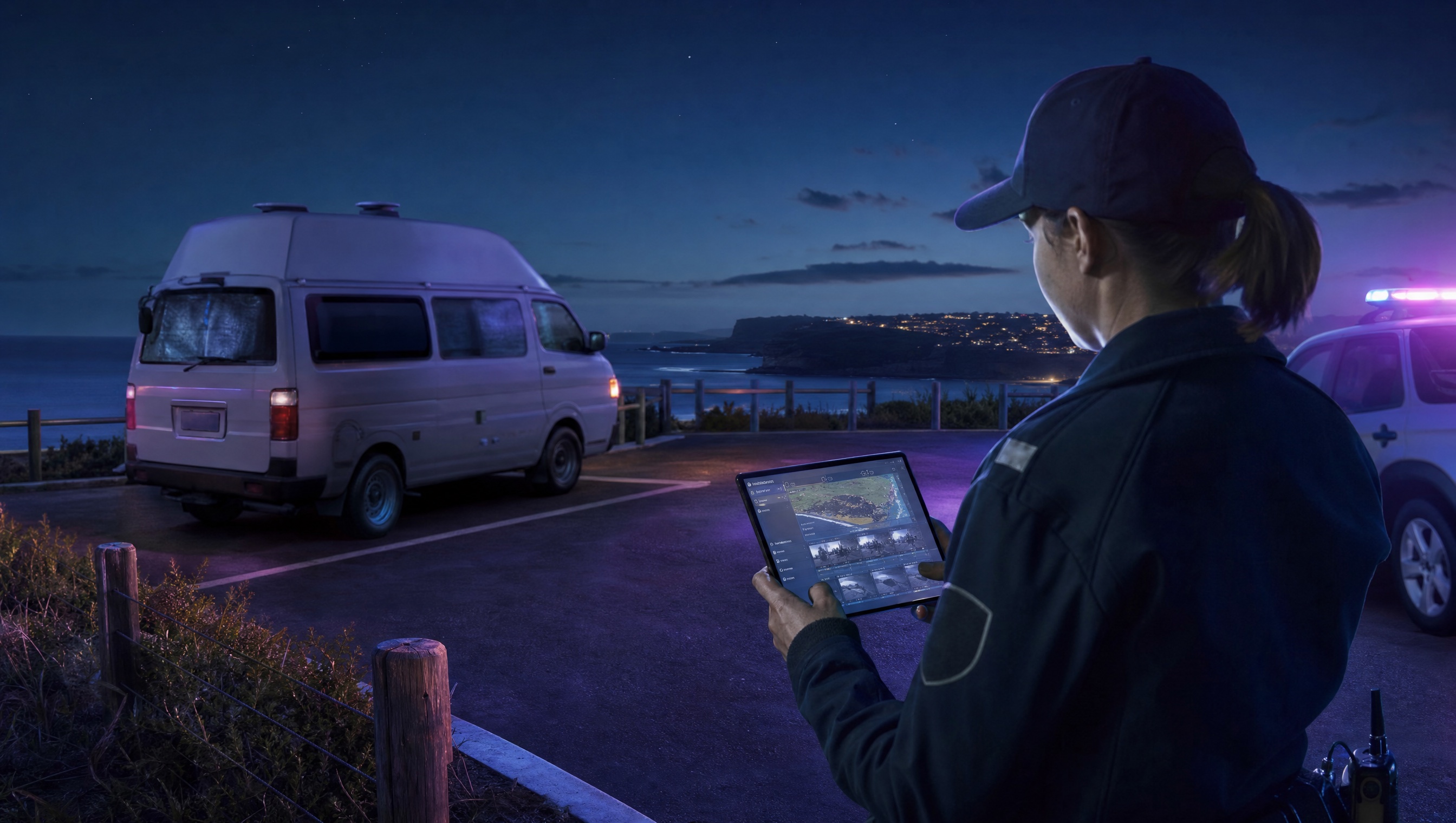
Public land patrols need both field context and system context: where the vehicle was, when it appeared, what rule applies and what happened next.
Zone context
Map the foreshore, reserve, fire-break or car park so plate sightings are measured against the right rule.
Officer context
Announce high-priority alerts in CarLink or keep investigation-only matters in the dashboard.
Review context
Keep evidence, inspections, notes, documents and decisions attached to the same case.
Example CORE case screen for overnight camping
A restricted-area case keeps the overnight sighting, dwell review, inspection notes, warning and recheck in one record.
City of UtopiaCasesCAMP-20418Under review
Open
Inspected
Warning
Recheck
Closed
Vehicle evidence
Campervan observed after permitted hours22:46 · Coastal reserve car park
Overnight camping case
Warning issued
Example local law
Local Government Property Local Law (WA)
Camping or occupying local government property without approval
Example modified penalty$200
Recheck taskNext patrol
Escalation pathLocal-law notice
Case outcomeMonitor
Next actions
Schedule recheck
Attach overnight evidence
Review local-law notice
Chain of evidence collection
Aero Ranger keeps the issue photos, place context, rule context and follow-up state together so the case can be checked later without rebuilding the record.
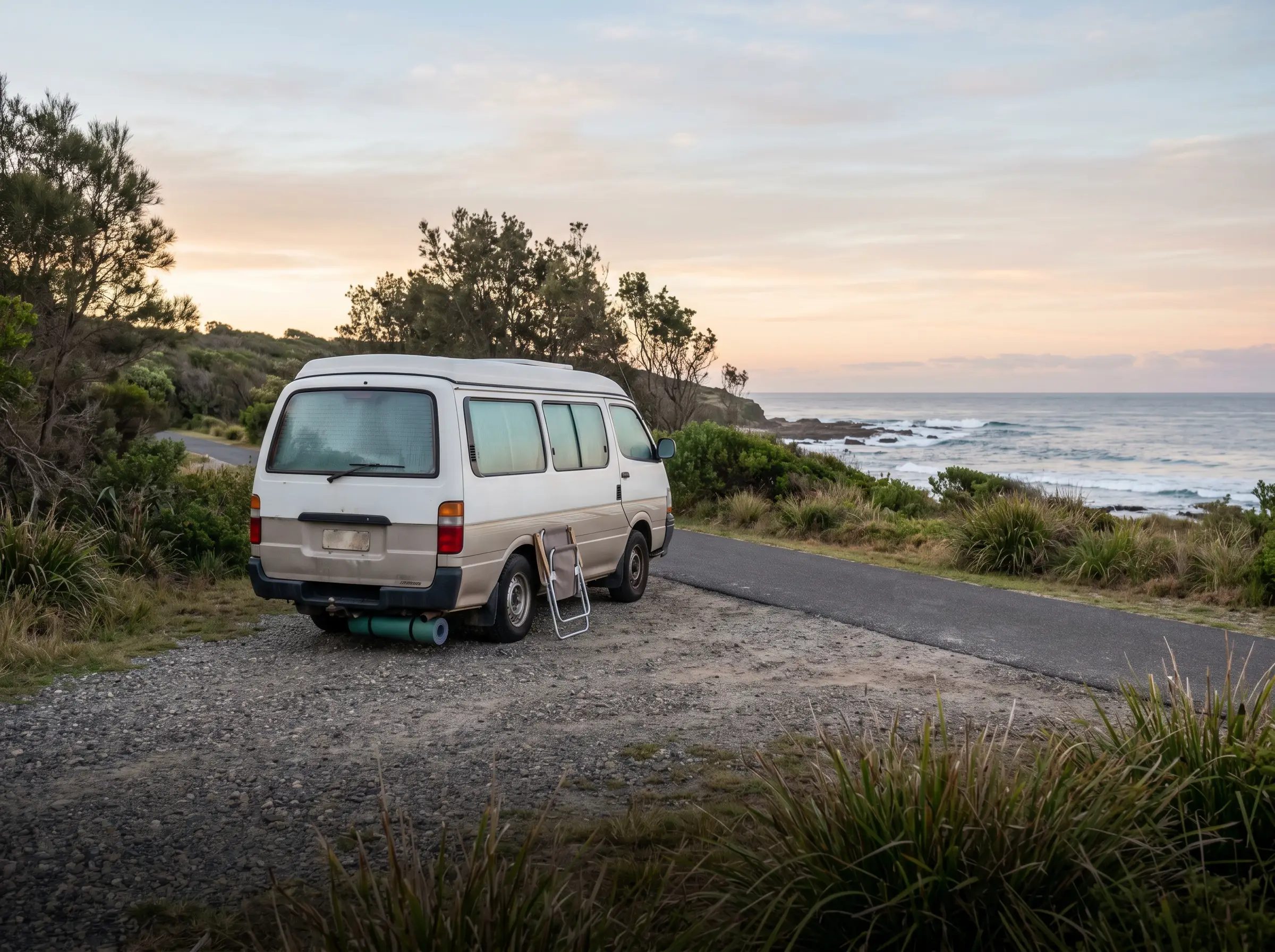
Campervan observed after permitted hours · 22:46 · Coastal reserve car park
Issue photoCampervan observed after permitted hours
The issue photo stays on CAMP-20418 with the case note and current case status.
Place contextCoastal reserve car park
Site, street, reserve, bay, kerbside or zone context stays attached so reviewers can see where the issue occurred.
Rule contextLocal Government Property Local Law (WA)
The relevant signage, permit condition, local-law category or operating rule is recorded beside the issue evidence.
Follow-up state22:46
Later photos, reinspection notes, notice evidence and closure decisions remain in the same case trail.
A typical council workflow in Aero Ranger CORE.
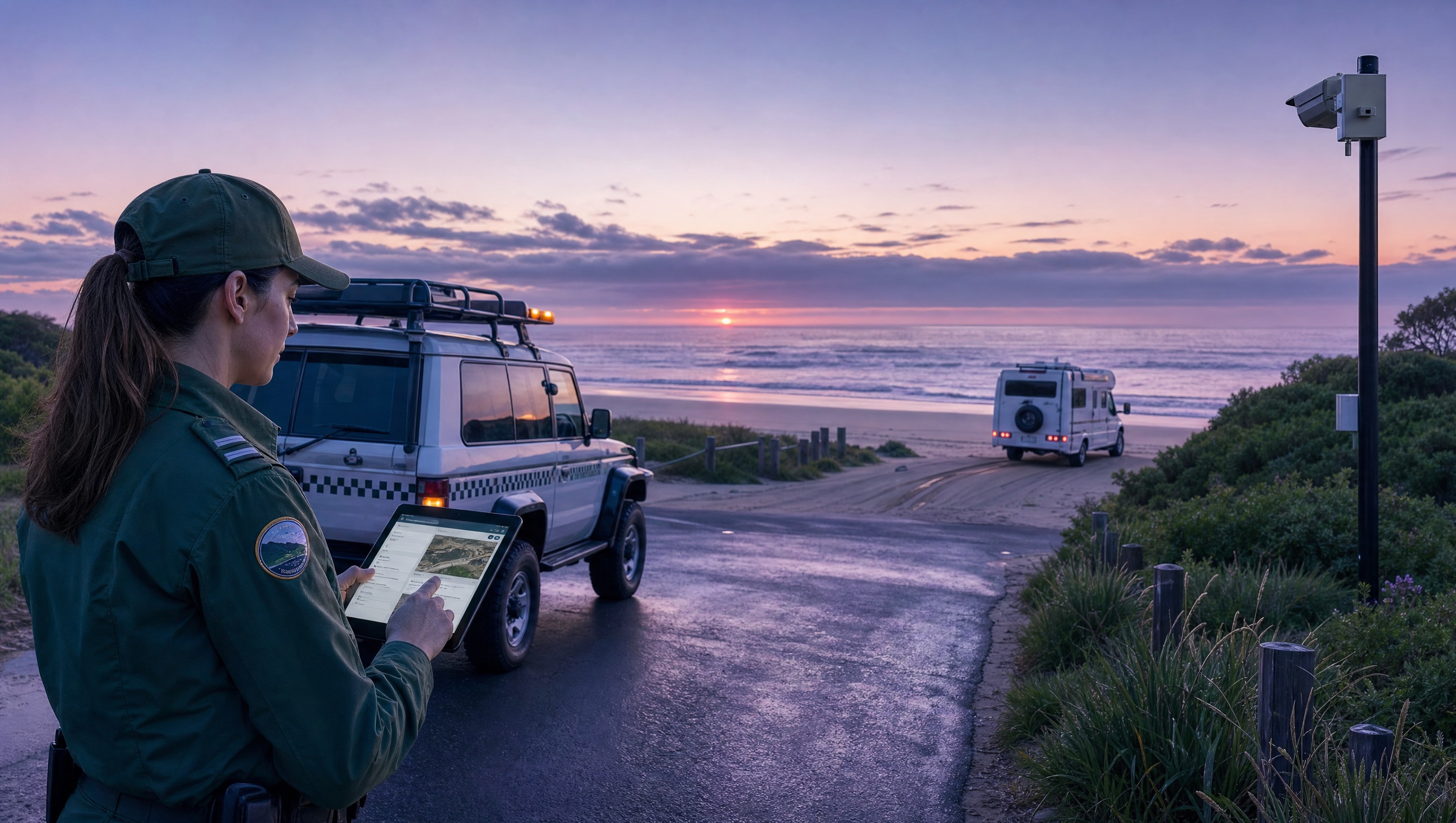
Illegal camping work usually starts with a place-based rule, not a product feature. A council needs to know which reserves, beaches, foreshore car parks or roadside areas are restricted, what time window applies and whether a vehicle appears to have stayed overnight or returned repeatedly.
Typical council workflow
Prepare the patrol area
Confirm restricted and permitted locations, seasonal rules, signage, self-contained or permit exceptions, and the handover process between after-hours patrols and daytime review staff.
Record what happened
Capture the vehicle, time, place, photos and officer notes in the field. If the matter depends on dwell time, keep each sighting attached to the same vehicle and location history.
Review and follow up
Decide whether the outcome is education, a move-on request, a warning, an infringement, monitoring or referral, then report repeat sites and seasonal pressure.
Workflow path
First sighting
Dwell review
Officer inspection
Warning or notice
Recheck
Repeat-stay review
Closed or referred
The camping case record would hold:
Vehicle and stay details
Rego, vehicle type, make, colour, first sighting, repeat sightings, overnight duration and any visible camping indicators.
Location and rule context
GPS pin, reserve or foreshore zone, seasonal rule, signage notes, permit category and any restricted-area boundary.
Evidence record
ANPR reads, photos, officer notes, timestamps, inspection outcomes and copies of any warning or notice issued.
Deadlines and next checks
Reinspection due date, notice expiry, repeat-stay watch period and escalation timing for unresolved matters.
Actions and reporting
Inspect, move-on, warn, issue notice, refer, monitor repeat activity and report hotspots back to managers.
One operating loop from first sighting to management reporting.
Teams can start with a targeted pilot, tune thresholds and then extend the same model across related vehicle-based compliance areas.
 Campervan observed after permitted hours

